
Start with its purpose
Choose the kind of item, what it does and who uses it. Create everyday equipment, a personal keepsake or an unusual physical object.
Distinctive objects for your world
A clear purpose.
Believable materials.
A distinctive appearance.

Design an imagined object
Prepare a detailed written reference for your world.
Choose the kind of item, what it does and who uses it. Create everyday equipment, a personal keepsake or an unusual physical object.
Bring materials, cultural style, form, finish and wear into the description. Review the result for your campaign notes or an illustration.
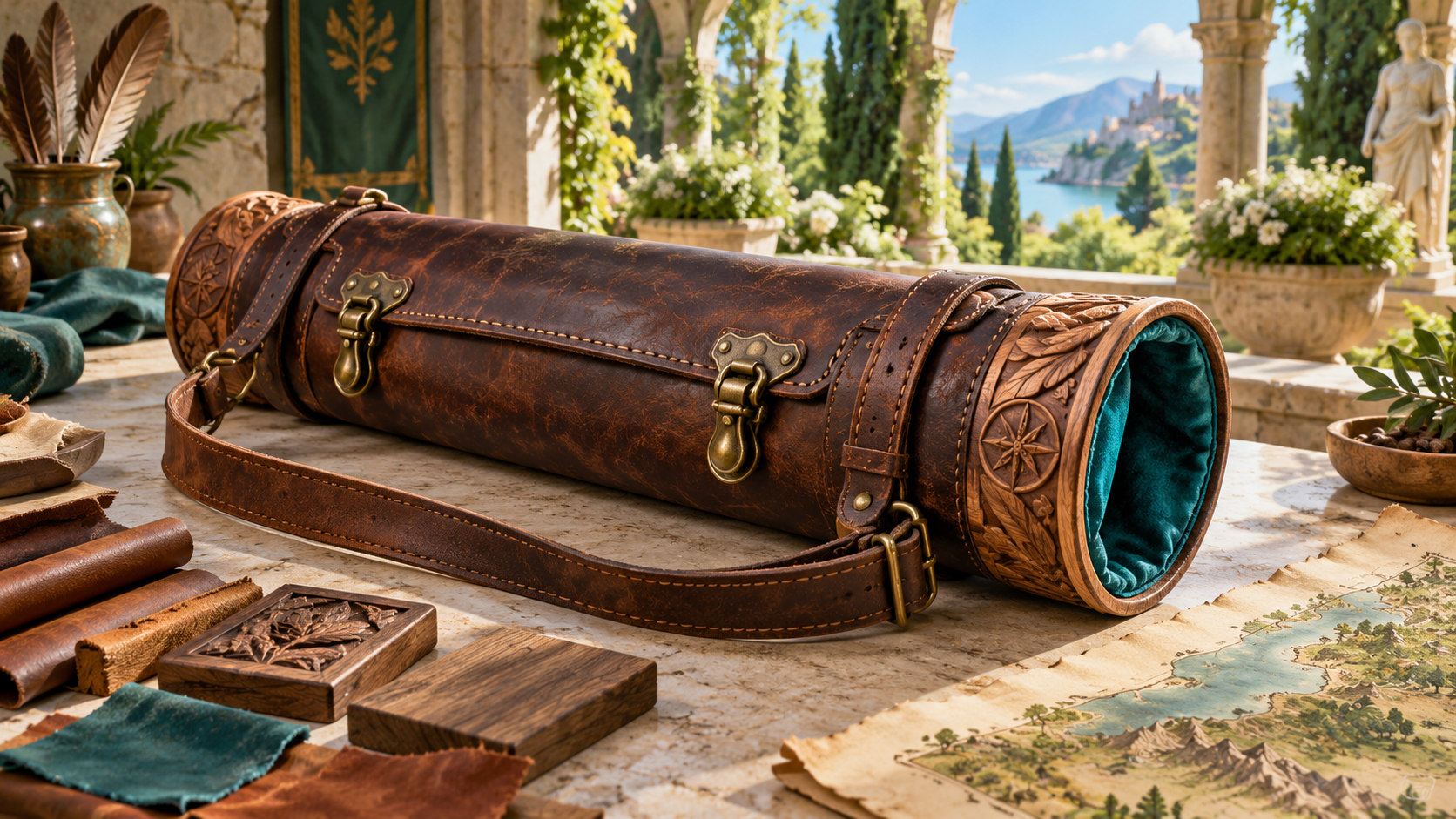
Materials and a finished map case
The illustration shows a map case made from carved wood and worn leather, with brass buckles, a shoulder strap and teal lining. Material samples, a carving block and a map lie beside it.
Choose the materials and cultural style of your object. Refine shape, size, finish and condition so the written reference describes how it looks and how it is made.
Purpose and physical detail
Keep the design choices of one item together.
Start with the kind of item and what it does. Give everyday equipment, a keepsake or an unusual object a clear reason to exist.
Describe who uses the item. Shape its practical details around the person, profession or activity you have in mind.
Choose where the object comes from. Connect the design to the place and world in which it belongs.
Choose the main material and refine the construction. Keep wood, metal, leather, fabric or other material details clear in the description.
Give the item a cultural style. Use decorative choices and design details to express its identity.
Refine its form, shape and size. Describe the proportions and physical appearance you want an artist to understand.
Choose the finish and surface details. Describe texture and decoration alongside the materials beneath them.
Add condition and signs of use. Give a well-kept possession, worn tool or damaged object visible character.
Explain practical function and limits. Decide how the object is used and which constraints belong in its description.
Include value in the design context and review the finished written reference. Choose the details that matter for your notes or an illustration.

Reviewing a climbing pick
The illustration shows an adventurer examining a climbing pick with a metal head, wooden shaft, leather grip and wrist strap. Wood, metal and leather samples lie on the workbench.
Begin with the item and intended use. Choose its material and style, refine the physical details, then generate and review the prompt against the object you have in mind.
From item idea to written reference
A focused workflow for distinctive objects.
Name the item, explain its purpose and describe the intended user. Decide how it belongs in the world.
Choose materials and cultural style. Refine the form, size, finish and visible signs of wear.
Describe function, limitations, condition and value. Keep the practical choices beside the visual description.
Read the finished reference and choose the details you want to use. Check it before bringing it into your notes or sharing with an artist.
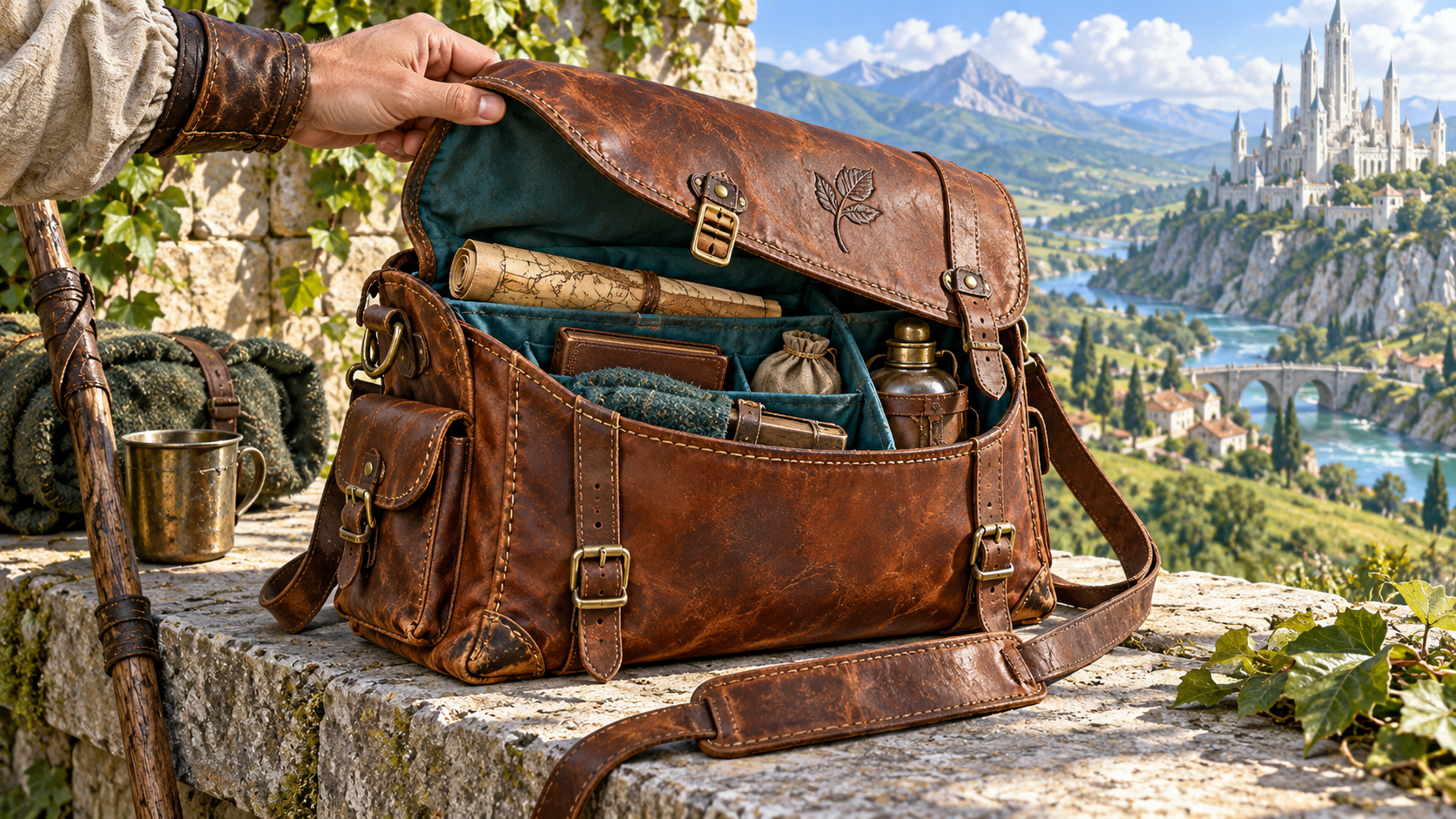
A traveller satchel with visible detail
The illustration shows an open worn leather satchel with brass buckles, a shoulder strap and teal compartments. A rolled map, notebook, bundle and flask sit inside it.
Keep intended use, materials, construction and appearance together. Describe the details that explain the object, its condition and its place in your world.
Use the written item reference
Bring the item design into your own preparation.
Read the purpose and practical details beside the appearance. Select what matters for the object you are preparing.
Use the prompt as a written reference for an artist. Keep materials, form, finish and wear clear when describing the image you want.
Use the description when the object appears in your world. Decide the rules and ownership needed at your table.
Use a dedicated generator for magical mechanics, treasure collections, shop stock or crafting recipes. Keep the physical design beside those separate preparations.
Your workspace and related tools
Open your tools through your VISINVOKE account.

Open Universal Item Generator in DCC. Get the desktop workspace through your account installer page.

Prepare a separate story about making amends, its cost and how others respond. Use that material alongside your adventure.
Product illustrations show a purpose-built lantern, a material study and map case, a climbing pick review and a finished traveller satchel.
Questions and answers
Purpose, appearance, written references and account access.
It creates a detailed written prompt for an imagined physical item, bringing purpose, intended user, materials, style, appearance, condition, function, limitations and value together.
Name the kind of item, explain its use, choose the main material and style, then generate and review the prompt.
Refine the intended user, origin, materials, shape, size, finish, condition, practical function, limitations and value. Review each visual detail against the purpose of the object.
Use it as a written reference for an illustration or an item description in campaign notes. Review the details before sharing with players or an artist.
Bring the description into your own preparation when the item appears in play. Decide its rules and ownership at the table, and use dedicated tools for magical mechanics, treasure collections, shop stock or crafting recipes.
Open Universal Item Generator from the Generators collection in VISINVOKE Desktop Control Centre. Create an account or sign in and get DCC through your account installer page.
Continue in VISINVOKE
Create an account or sign in. Get Desktop Control Centre through your account installer page and open Universal Item Generator.
Keep distinctive item descriptions beside your worldbuilding and campaign preparation.